How to switch booking software without losing clients
Changing booking apps feels like a chore, but it takes an afternoon. This guide works whether you're coming from Booksy, Fresha, Treatwell, Bewe or Koibox, or from a paper diary.
Why switching booking software feels risky
- Worry about losing clients and their history.
- Clients used to booking through another app.
- Questions about minimum terms, commissions and how to cancel.
How to switch booking software step by step
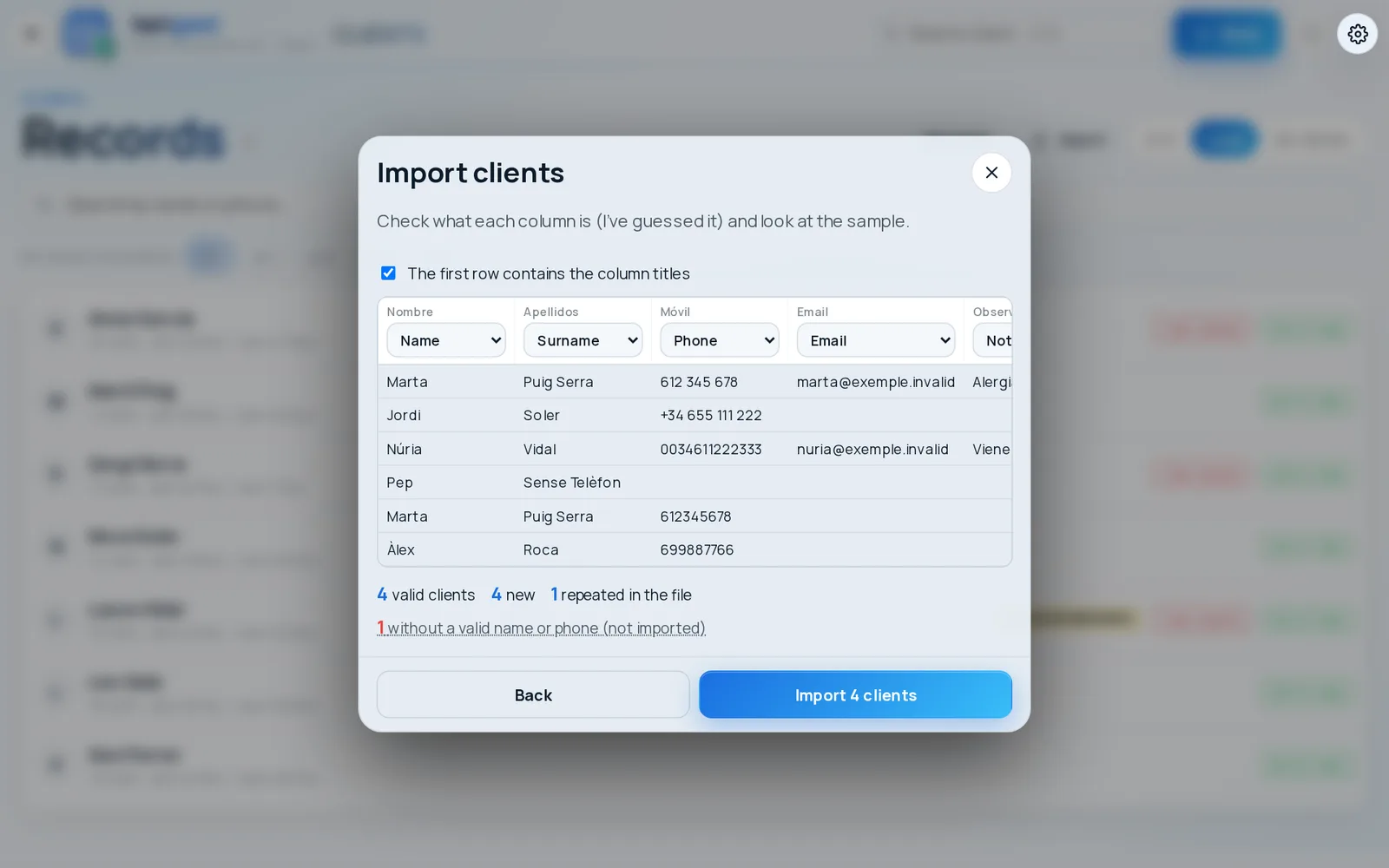
- Export your clients from your current software (almost all allow Excel or CSV) and import them into Hairgest.
- Put your new booking link on Instagram, Google and WhatsApp, and the QR on the mirror.
- Tell your clients with a short message: «You can now book here, nothing to download».
- Keep existing bookings in the old software until they've passed, then cancel.
- Before cancelling, check your contract for minimum terms and outstanding commissions.
Questions about switching software
How much do other apps charge?
It varies and changes often: check their websites. Many combine a monthly fee with a commission on each new client who comes through their app. Hairgest has a flat fee and €0 commission.
How do I cancel my current software?
Usually from your account settings or by contacting their support. Check for a minimum term first and download your data.
Will you help me switch?
Yes: we set up your calendar and import your clients when you sign up.
You may also like
Bring your clients over from a spreadsheet in a minuteBring your clients from Excel, CSV or by copying and pasting. Columns are detected automatically and phone numbers cleaned up.A website for your salon, with your name and no commissionA website with your name, services, prices, team, hours and a book button. Included in Hairgest, no commission per client.Online booking for your salon, without putting the scissors downClients book by themselves from their phone, 24 hours a day. They only see times that are really free. No commission per client.
Want to try it?
No sign-up. The demo is yours and deletes itself after 24 hours. Or leave us your number and we'll show you.